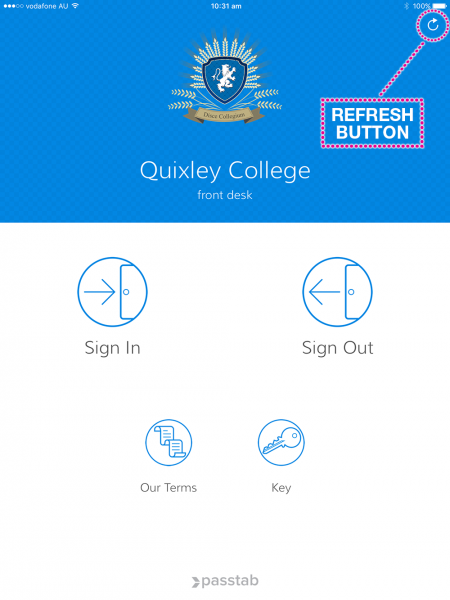

When configurations, upgrades, changes or fixes have been made to your account you will most likely need to refresh the Passtab App to pull the changes through to the device.
You can do this by clicking the refresh button on the Passtab iPad App, top right hand corner of the home screen, as pictured below.